
How many unread emails are currently in your inbox?
A few hundred, maybe?
That overflowing digital mailbox is a universal experience. But what if you could change that?
Imagine a clean slate. A manageable inbox where you can find what you need, when you need it. For businesses, this isn’t just about tidiness; it’s about improved deliverability, a stronger sender reputation, and more effective marketing.
The average professional is bombarded with 50 to 115 emails daily. That’s a lot of digital clutter accumulating over time.
But there’s a solution.
Bulk email cleaning software is one of the techniques you’re discussing that is intended to address this issue. These robust tools can assist you with mass email address validation, spam removal, and unsubscribing from undesired lists.
Ready to take control of your inbox and boost your email marketing success? We’ve compiled a list of ten of the most effective bulk email cleaning tools to help you do just that.
Let’s get started!
What is Bulk Email Cleaning?
At its core, bulk email cleaning is the process of identifying, categorizing, and removing unwanted, invalid, spammy, or low-quality email addresses and messages from your inbox or list. Consider it a digital detox for your inbox.
While inbox management helps you sort and organize your emails, bulk email cleaning goes further. It checks if email IDs or addresses are authentic ones and removes the unresponsive ones before they even get to your inbox.
Here are some big benefits of bulk email cleaning:
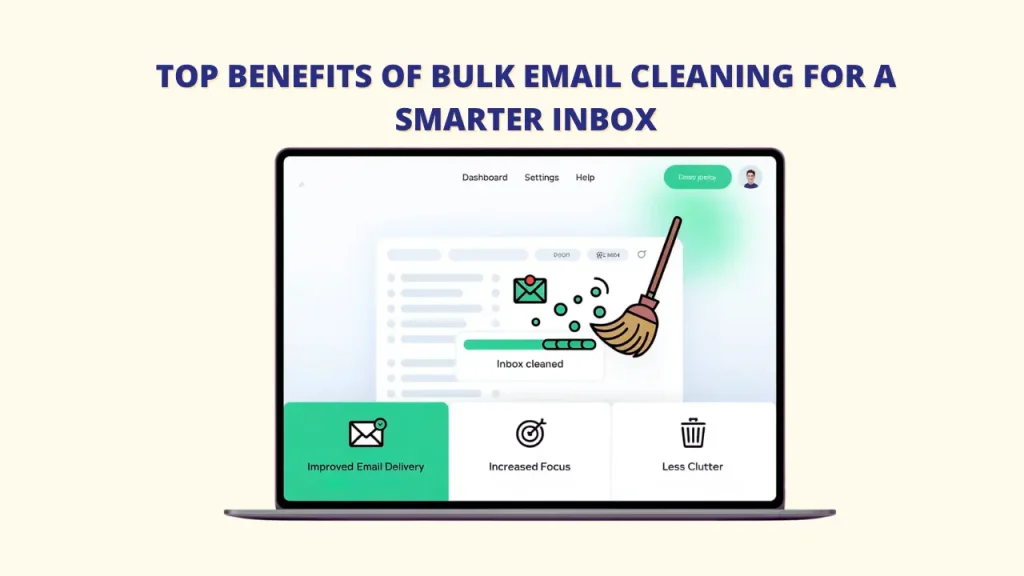
➤ Better Email Delivery: Your important emails are more likely to reach real people instead of getting lost in spam folders.
➤ More Focus: Fewer distractions help you stay on task.
➤ Less Mess: Clears out junk and gives you more space.
Bulk email cleaning tackles these head-on, giving you back control. For instance, List Janitor helps save money on email marketing by removing the need to pay for invalid or unresponsive email addresses.
What to Look for in a Bulk Email Cleaning Tool?
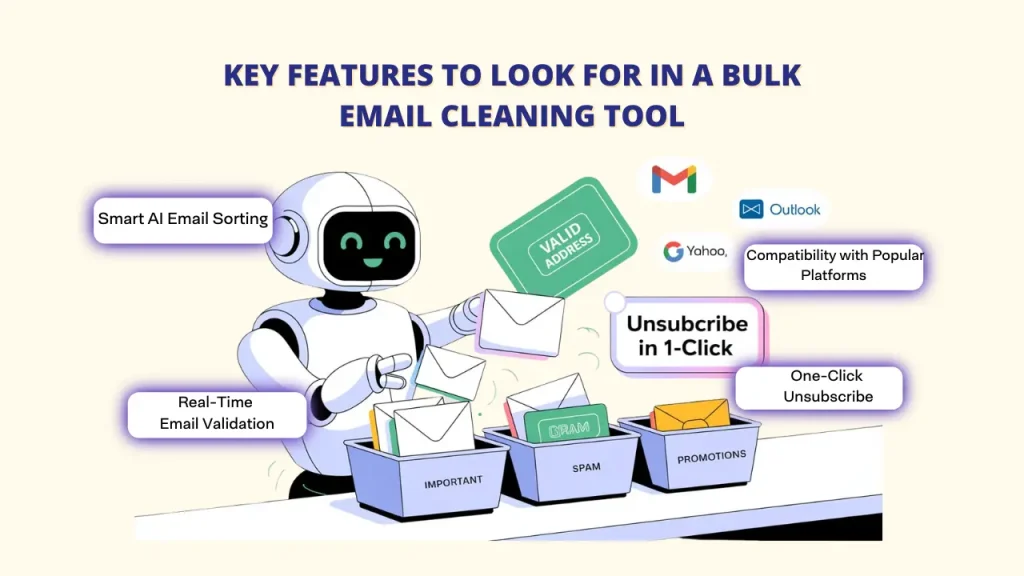
To clean up your emails quickly and well, a tool should have features like bulk deleting and smart filters. These help users handle thousands of emails at once. But not all tools are the same. Here are the important things to look for when choosing a good bulk email cleaner:
A. Smart Email Sorting Using AI
The best tools use AI (Artificial Intelligence) to understand how you use your email. They learn which messages are important and which are spam or low-priority. These smart systems sort your emails into groups automatically and can save you up to 90% of the time you’d spend sorting them yourself.
B. One-click unsubscribe
Good tools let you unsubscribe from unwanted emails with just one click. Instead of opening each email and searching for the unsubscribe link, tools like List Janitor or SaneBox can handle this in batches. They also protect you from unsafe unsubscribe links that might tell spammers your email is active.
C. Real-time validation
A helpful feature for businesses is real-time email address checking. This means the tool checks if an email address is real and working before you send anything. It stops bounce-backs (emails that don’t go through) and helps keep your sender reputation strong so your emails actually reach people.
D. Works with Popular Email Platforms
A great email cleaning tool should work well with top email services like Gmail, Outlook, Yahoo, and Apple Mail. The best tools connect smoothly without needing complicated setups or risking your account’s security.
The Undeniable Advantages of Bulk Email Cleaning
If your inbox or email list looks like a messy storage room full of unread messages, old promos, and things you don’t need, it’s time for a clean-up.
But why is this important? Because messy emails don’t just look bad, they can cost you money, hurt your reputation, and make your email work less effectively.
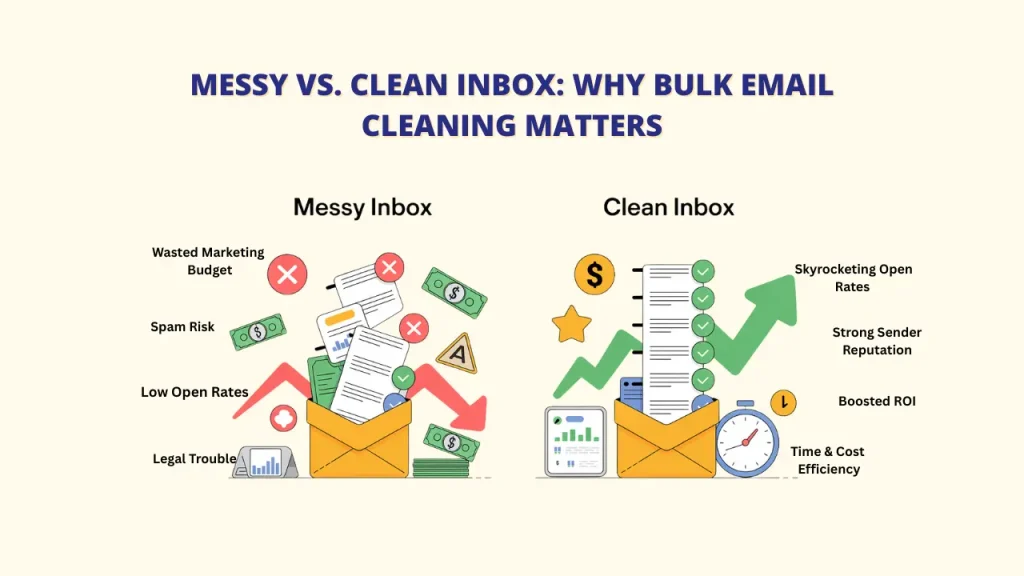
🔻 A. The Hidden Problems of a Messy Email List
Let’s face it, a messy email list is more than just untidy; it’s a ticking time bomb.
📉 Your sender reputation drops because of too many undelivered (bounced) emails.
💸 You waste your marketing budget sending emails to people who won’t read them.
📬 Low open rates lead to poor engagement.
🚫 Risk of getting blacklisted, which blocks your emails from being delivered.
⚠️ Legal trouble if you don’t follow email rules (like GDPR or CAN-SPAM).
💎 B. The Rewards of a Sparkling Clean Inbox
Think of your email list as a machine that requires a new engine to be installed, and now has a finely tuned engine that is responsive and high-performing. That’s what a thorough bulk email cleaning produces.
🚀 Skyrocketing Deliverability and Open Rates
💰 Boosted ROI on Every Campaign
⭐ A Rock-Solid Sender Reputation
📊 Clear, Actionable Analytics
🕒 Serious Time and Cost Savings
Best Bulk Email Cleaning Tools in 2025: Top 10 Picks
1. List Janitor
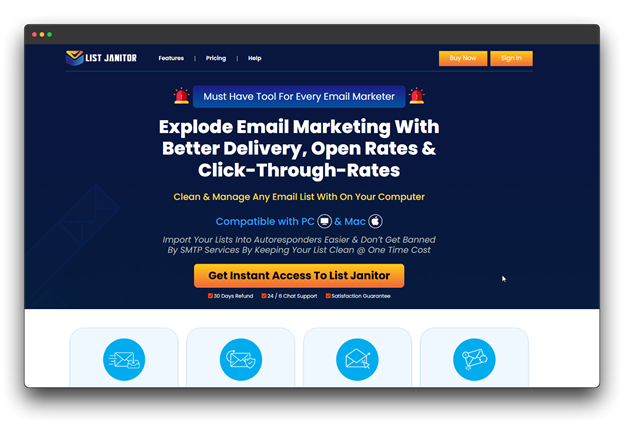
List Janitor is a tool that helps you clean and verify your email list to ensure all email addresses are accurate and active.
Both bulk email cleaning (uploading big files) and real-time checking (through API) are available. This tool helps reduce email bounces and makes sure your messages reach the inbox instead of going to spam.
The benefits
✔ Accurate results
✔ Multiple email cross-checking options
✔ Excellent customer support
✔ Affordable pricing for large lists.
The Drawbacks
✘ Setting up an API requires tech expertise.
Ideal for: Online stores, email marketing teams, and companies with big email lists that need accurate checking.
Cost: $27 a year for the Pro plan, which provides 24/7 live chat support.
2. Chuck Email
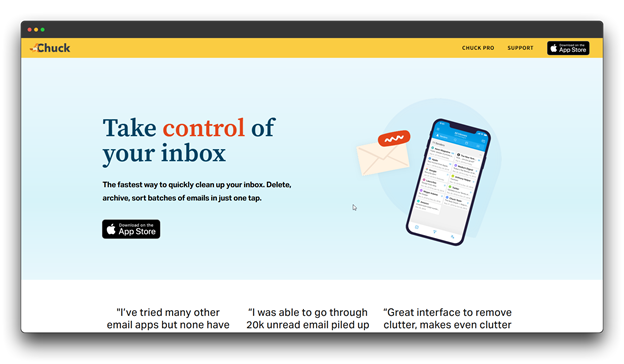
Chuck Email Cleanup is a tool made to help clean and organize your personal digital inbox. It uses AI technology to sort emails, remove promotions, unsubscribe from emails, and keep important messages neatly grouped.
The benefits
✔ Smart AI that sorts emails well
✔ Great at unsubscribing from unwanted emails
✔ Budget-friendly
The Drawbacks
✘ Works only with personal email accounts
✘ Sometimes may wrongly sort emails
Great for: Busy individuals, freelancers, and small business owners who want help managing their personal inbox.
Cost: $29.99 annually for Pro plans
3. Clean Email
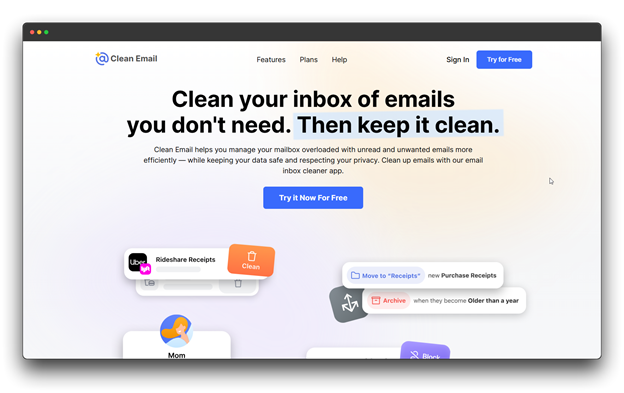
With its sophisticated filtering features and bulk action tools, Clean Email offers complete inbox management. It sorts your emails and helps bulk email cleaning into folders using rules, making it easier to clean and control your mailbox.
The Benefits
✔ Simple and easy-to-use layout
✔ Positive customer reviews
✔ Good privacy and data safety
The Drawbacks
✘ More expensive than some other tools
✘ The free version has limited features.
✘ Some features may need tech know-how to set up
Great for: Busy professionals, small to mid-size businesses, and users with lots of emails in different accounts.
Pricing: $41.43 for a plan that supports 5 email accounts.
4. Trimbox
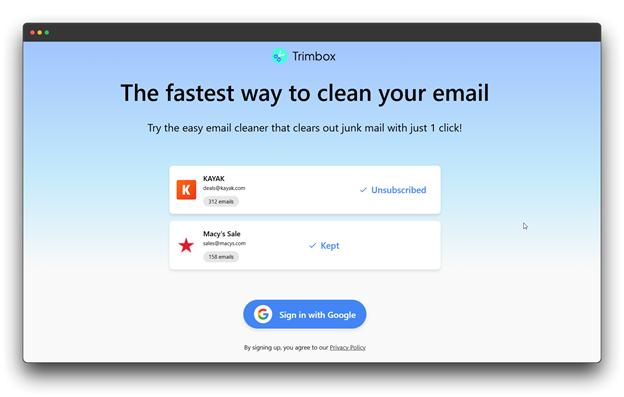
With its ability to automatically sort and hide unsightly emails, Trimbox is a clever tool that keeps your inbox tidy. This Chrome extension is easy to use, but it performs a lot of work in the background.
The Benefits
✔ Uses smart technology to learn and organize your emails.
✔ Great at automating email cleanup.
✔ Powerful unsubscribe tool
The Drawbacks
✘ Only available via the browser.
✘ New tool with fewer users
✘ Doesn’t connect with many other apps
Great for: Busy professionals, team leaders, and people who want their emails cleaned automatically without doing much themselves.
Pricing: $4.99 per month for the Pro plan.
5. Mailstrom
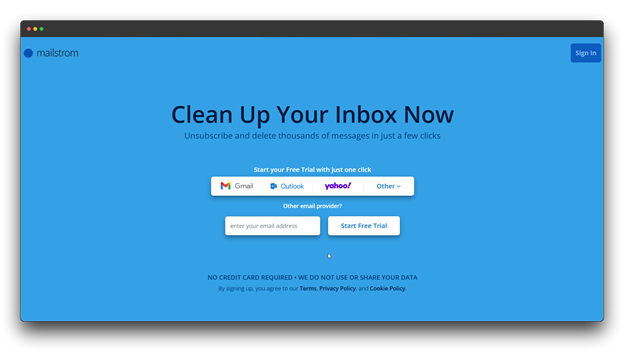
Mailstrom groups similar messages by who sent them, the date, or the topic, so you can delete or organize them all at once. Along with making cleanup simpler, it also helps you understand your email habits.
The Benefits
✔ Shows email trends visually.
✔ Good for understanding your inbox habits.
✔ You can clean lots of your personal or professional emails quickly
The Drawbacks
✘ It may take time to learn.
✘ Has less smart automation than other tools.
✘ For novices, it could seem complex.
Great for: People who like data, marketing teams, and users who want full control of email cleanup.
Pricing: $55.95 annually for one email account with unlimited cleaning.
6. ZeroBounce
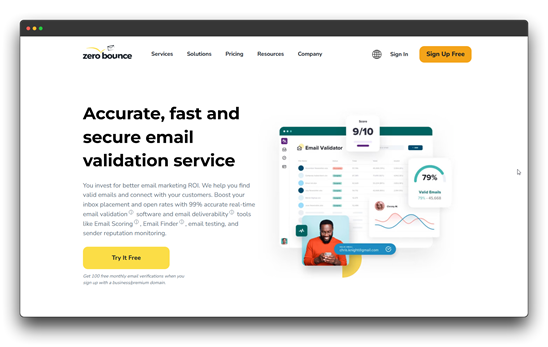
One effective tool for bulk email cleaning and verifying email lists is ZeroBounce. It’s made for both single users and big companies that need reliable email delivery. It can find spam traps and bad email addresses and test if your emails will reach inboxes.
The Benefits
✔ Can spot abuse and spam emails
✔ Helpful API for developers
✔ Strong features for big businesses
The Drawbacks
✘ Can be expensive for small users
✘ May feel too complex for beginners
✘ Doesn’t offer tools to organize your inbox
Great for: Email marketing teams, big companies, and anyone needing top-level email delivery success.
Pricing: $45.00 per year (Pro plans also available)
7. SaneBox
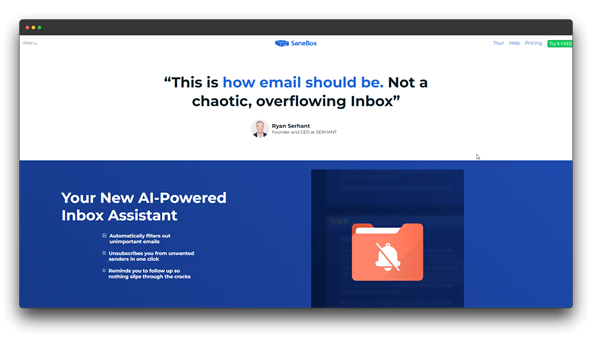
Artificial intelligence is used by SaneBox to automatically classify incoming emails into the appropriate folders based on user email patterns. The accuracy of the system is continuously improved by user corrections and feedback.
The Benefits
✔ Highly precise artificial intelligence learning
✔ Full email management capabilities
✔ Outstanding client service
The Drawbacks
✘ More expensive pricing plans than the other ones
✘ Requires a training period for optimal performance
Great for: People who get a lot of emails, business owners, and professionals who want their email sorted without doing everything themselves.
Pricing: $11.58 for users managing 4 email accounts
8. SpamTitan
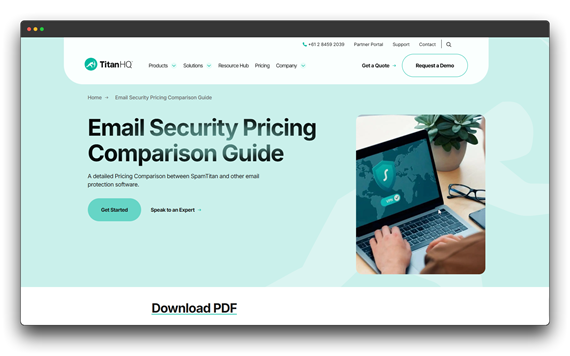
SpamTitan is a strong email security tool that helps protect businesses from spam, viruses, and fake emails (phishing). It keeps inboxes clean and safe with powerful filters that catch a high percentage of unwanted emails.
The Benefits
✔ Follows rules for email safety and privacy
✔ Strong protection like big companies use
✔ Catches most spam and harmful emails
The Drawbacks
✘ Focuses more on security than organizing emails
✘ It can be more complex to use.
✘ Pricing is based on company size and needs
Great for: Big businesses, companies with serious email security needs, and anyone who wants strong protection from dangerous emails.
Pricing: Custom pricing based on what the business needs
Best Practices for Ongoing Email List Hygiene
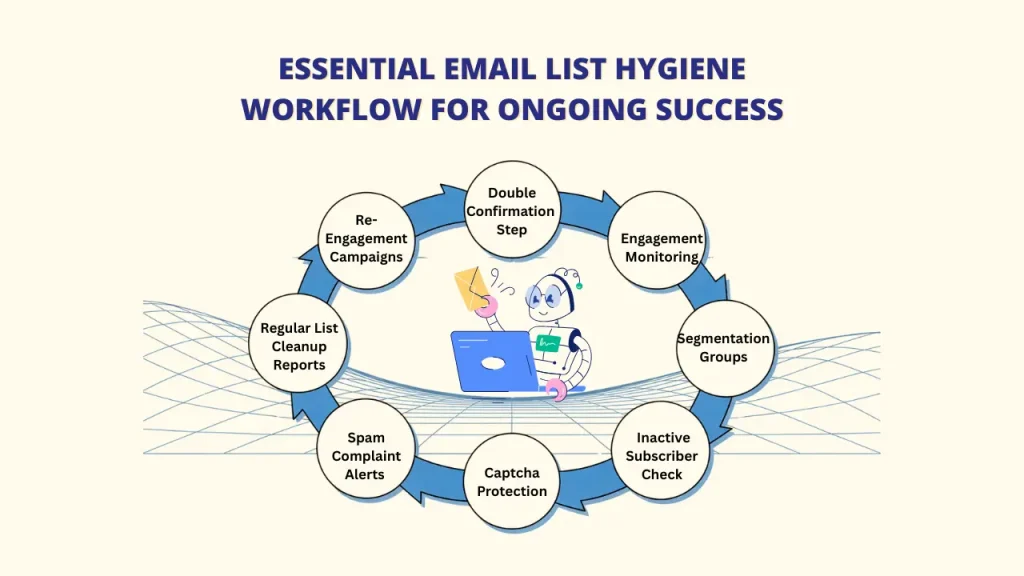
Bulk email cleaning your inbox isn’t a one-time event. To maintain a healthy email environment, implement these ongoing best practices:
A. Use Double Confirmation (Double Opt-In)
→ Ask people to confirm their subscription by clicking a link in a follow-up email.
→ This step helps stop fake signups and lowers the chance of spam complaints.
→ It might reduce the number of signups a little, but it brings more active and real subscribers.
B. Keep an Eye on Engagement Stats
→ Regularly check open rates, click rates (CTR), and bounce rates every month.
→ Taking action early helps you avoid bigger problems later.
→ Tools like List Janitor use smart tech (SMTP) to check if each email is real or not.
C. Split Your Email List into Groups (Segmentation)
→ Sort your audience based on how often they open emails or what they like.
→ Send different messages to each group (very active, less active, or inactive).
→ It guarantees that fewer people unsubscribe from your emails.
D. Delete Inactive Subscribers
→ Make a process to spot people who haven’t opened or clicked in 6 to 12 months.
→ Try to bring them back with a special email first.
→ If there’s still no activity, remove them from your list.
→ You can also clean your list by removing role-based or spam trap addresses using tools like List Janitor or ZeroBounce.
E. Use Captchas on Signup Forms
→ Add captchas to stop fake or bot entries.
→ This keeps your email list clean and helps avoid wrong data.
→ Modern CAPTCHA tools are easy to use and don’t affect real users signing up.
F. Keep Spam Complaints Low
→ Try to keep spam complaints below 0.1%.
→ If you see a sudden spike, check your email content and list.
→ Use feedback tools with providers like Gmail and Yahoo to get real-time alerts.
Conclusion
Have you ever felt overwhelmed by an overflowing inbox or struggled with low email campaign performance? You’re not alone, and the good news is, there’s an easier way.
The 10 tools we covered in this guide are designed to help you take control. From managing subscriptions and verifying real email addresses to bulk cleaning your lists, these solutions fit every need and budget.
Imagine sending your next marketing campaign and actually reaching real people instead of bouncing messages. Picture your workday with fewer distractions and a more organized inbox. Sounds great, right?
Now it’s your turn:
✅ Pick the tool that matches your needs
✅ Follow the simple cleanup tips we shared
✅ Watch your email deliverability and productivity improve
Tools like ListJanitor offer an all-in-one solution to remove fake, duplicate, or harmful emails while giving you control, flexibility, and even support for SMTP migration.
Don’t let a messy inbox slow you down. Start today, and enjoy the freedom of a cleaner, smarter, and more effective email system. What will you clean up first?
FAQs about Bulk Email Cleaning
Q1: What is the recommended frequency of cleaning bulk emails?
The frequency of email list cleaning depends on your sending volume and list growth rate. For active marketing lists, perform validation every 3-6 months or before major campaigns. Personal inboxes benefit from weekly or monthly organization sessions. To avoid problems, high-volume senders should use real-time validation.
Q2: Are there any free tools for cleaning up my digital email list?
Some tools let you clean your email list for free, but the free versions often have limited features. If you have a large list or want full cleaning, you’ll likely need to pay for a proper service like List Janitor or other similar tools.
Q3: Will bulk email cleaning affect my current subscribers?
Proper bulk email cleaning should not negatively impact legitimate, engaged subscribers. Quality bulk email cleaning tools focus on removing invalid addresses, spam traps, and inactive accounts while preserving valuable contacts. With the right assistance, bulk cleaning tools will be easier.
Q4: Is it safe to use third-party email cleaning tools?
Reputable email cleaning services employ strong security measures, including data encryption, secure servers, and privacy compliance certifications. Research providers thoroughly, read privacy policies, and choose tools with established track records and positive user reviews.