

Your email list is probably dirtier than you think.
Not because you did anything wrong. Lists just decay. People leave jobs, abandon inboxes and mistype their address on signup forms.
Email scrubbing is how you clean up that mess before it hurts you.
In this guide you'll learn what email scrubbing is, what it removes, why it matters, and exactly how to do it.
What Is Email Scrubbing?
Email scrubbing is the process of checking your email list and removing addresses that are invalid, risky or useless.
Think of it like weeding a garden. The good plants are your real, active subscribers. The weeds are dead addresses, duplicates, typos and traps. Pull the weeds and everything else grows better.
You'll also hear it called list cleaning, list scrubbing or email list hygiene. It's all the same job.
Email Scrubbing vs Email Verification
People often mix these up. They're related, but not quite the same.
| Email Verification | Email Scrubbing | |
|---|---|---|
| What it does | Checks if an address is real | Cleans the whole list |
| Removes duplicates | No | Yes |
| Fixes typos | Sometimes | Yes |
| Removes role and disposable emails | Flags them | Removes or segments them |
| Looks at engagement | No | Often |
| Result | A status for each address | A clean list ready to mail |
Verification is one step inside scrubbing. Scrubbing is the full clean-up.
What Email Scrubbing Removes
Invalid addresses. Mailboxes that no longer exist or never did. Every send to these is a hard bounce.
Duplicates. The same person listed twice, often from different signup forms or merged lists.
Typos. Addresses like [email protected] or [email protected]. Some can be fixed. The rest should go.
Role addresses. Emails like info@, sales@ and admin@ that go to a team, not a person. They rarely engage and complain more often.
Spam traps. Addresses that mailbox providers use to catch senders with bad habits. Hitting one can land you on a blocklist.
Disposable emails. Throwaway inboxes people use to grab a freebie and disappear.
Dead domains. Companies that shut down or changed their domain name.
Long-term inactives. People who haven't opened anything in a year. They're not invalid, but they drag your numbers down.
Why Scrubbing Emails Matters
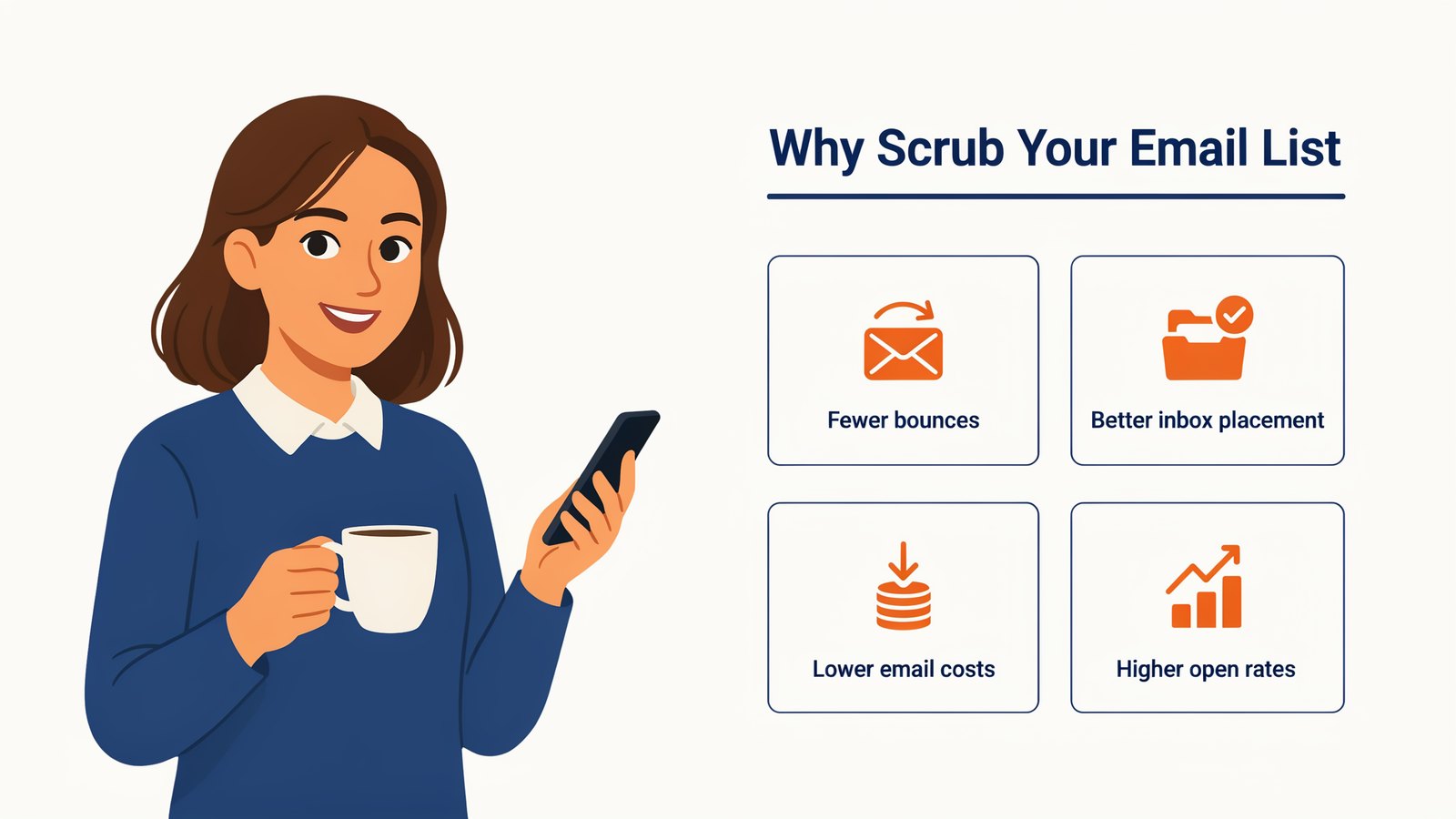
Fewer bounces. Mailbox providers see high bounce rates as a sign of a careless sender. Keep hard bounces under 2% and you stay on their good side.
Better inbox placement. Since 2024, Gmail and Yahoo have asked bulk senders to keep spam complaints under 0.3% and stop mailing bad addresses. A clean list makes that easy.
Lower email costs. Most email platforms charge by list size. Every dead address is money spent on nothing.
Higher open rates. When the list is full of real people, your open and click rates go up. Your stats finally show what's really happening.
Freedom to switch platforms. Many autoresponders and SMTP services reject or suspend accounts that import dirty lists. A scrubbed list moves anywhere.
Signs Your List Needs Scrubbing
- Your bounce rate is going up.
- Open rates are falling even though your content is the same.
- More emails land in Promotions or Spam.
- Spam complaints are creeping up.
- You bought, rented or merged a list.
- You haven't mailed the list in months.
- You've never scrubbed it at all.
If any of these sound familiar, scrub before your next campaign.
How to Scrub Your Email List in 6 Steps
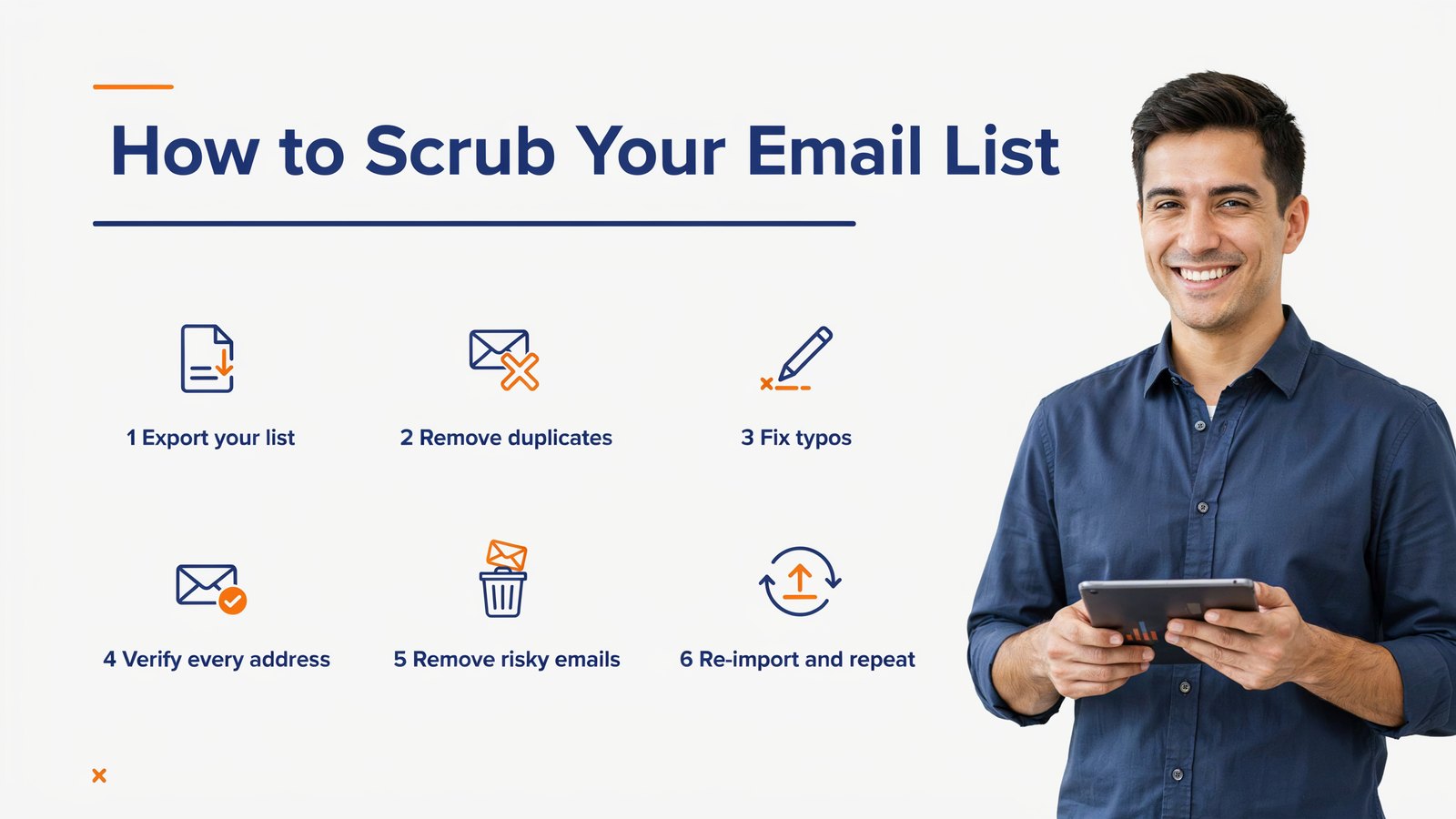
1. Export Your List
Download your full list from your autoresponder or CRM as a CSV file. Include every segment, plus any extra lists from webinars, giveaways or old platforms.
2. Remove Duplicates
Combine everything into one list and remove repeated addresses. This alone can shrink a merged list by a surprising amount.
3. Fix Typos
Look for common domain mistakes like gmial, hotmial and yahooo. Fix the ones that are obvious. Delete anything that's clearly broken, like addresses with spaces or two @ signs.
4. Verify Every Address
This is the big one. A scrubbing tool checks each domain for a working mail server, then asks the server whether the mailbox exists, without sending an email. That's how it finds invalid addresses you'd never spot by eye.
5. Remove or Segment Risky Emails
Delete invalid addresses, spam traps and disposable emails. Then decide on the grey areas.
Role addresses and catch-all domains aren't always bad. Put them in a separate segment and mail them less often. If they never engage, remove them.
6. Re-Import and Repeat
Upload the clean list back to your autoresponder or SMTP service. Then put the next scrub on your calendar.
How Email Scrubbing Works Behind the Scenes
Ever wondered how a tool knows an address is dead without emailing it? It runs a few quick checks, one after another.
Syntax check. Is the address written correctly? One @ sign, no spaces, a proper domain at the end.
Domain check. Does the domain exist, and does it have mail servers set up to receive email? If not, every address at that domain is dead.
Mailbox check. The tool connects to the mail server and politely asks whether this exact mailbox exists, then hangs up before sending anything. This is called an SMTP check.
Catch-all check. Some servers say yes to every address, real or not. Good tools flag these as catch-all so you can decide what to do.
List checks. Finally, the tool compares addresses against known role prefixes, disposable email services and trap patterns.
All of this takes a fraction of a second per address. A good tool runs many checks at once, so even big lists finish quickly.
What a Typical Scrub Looks Like
Here's an example of what scrubbing an older list of 10,000 contacts might turn up. Every list is different, but this gives you an idea.
| Result | Example Count | What to Do |
|---|---|---|
| Valid | 8,100 | Keep and mail |
| Invalid | 900 | Delete |
| Duplicates | 350 | Delete the extras |
| Catch-all | 400 | Keep in a separate segment |
| Role addresses | 150 | Segment or delete |
| Disposable | 60 | Delete |
| Spam traps and bad syntax | 40 | Delete right away |
In this example, about 1,350 addresses go straight in the bin. That's 13% of the list you'd otherwise pay for and mail every single time, with every one of those sends hurting your reputation.
What to Do With Inactive Subscribers
Scrubbing finds dead addresses. But what about live addresses that never open your emails?
Don't delete them straight away. Try a short re-engagement campaign first.
- Send a simple "Still interested?" email with a clear subject line.
- Offer something useful, like a free guide, a discount or your best content.
- Give them an easy way to stay, with one click.
- Wait two or three weeks, then remove anyone who still hasn't opened or clicked.
You'll win back a few people, and the rest leave quietly. Either way, your list ends up smaller, healthier and far more responsive.
Email Scrubbing for Different Senders
Online stores. Scrub before big sales like Black Friday, when you mail the whole list at once.
Newsletters. Scrub every few months and remove long-term inactives, so your open rate shows the real picture.
B2B marketers. Business lists decay fastest because people change jobs. Scrub at least every quarter.
Cold outreach. Scrub every new list before the first email. Bounces on cold campaigns can hurt your sending domain quickly.
Course creators and coaches. Scrub old webinar and giveaway lists before you promote a new launch.
How to Scrub Emails With List Janitor

Full disclosure, List Janitor is our own product, made by Teknikforce. It does all six steps in one app on your own PC or Mac.
Load your CSV from any autoresponder. List Janitor removes duplicates across one or many lists, removes role emails and spam traps, checks that each domain has a valid mail server, and verifies each address using SMTP checks. Multi-threading keeps it fast.
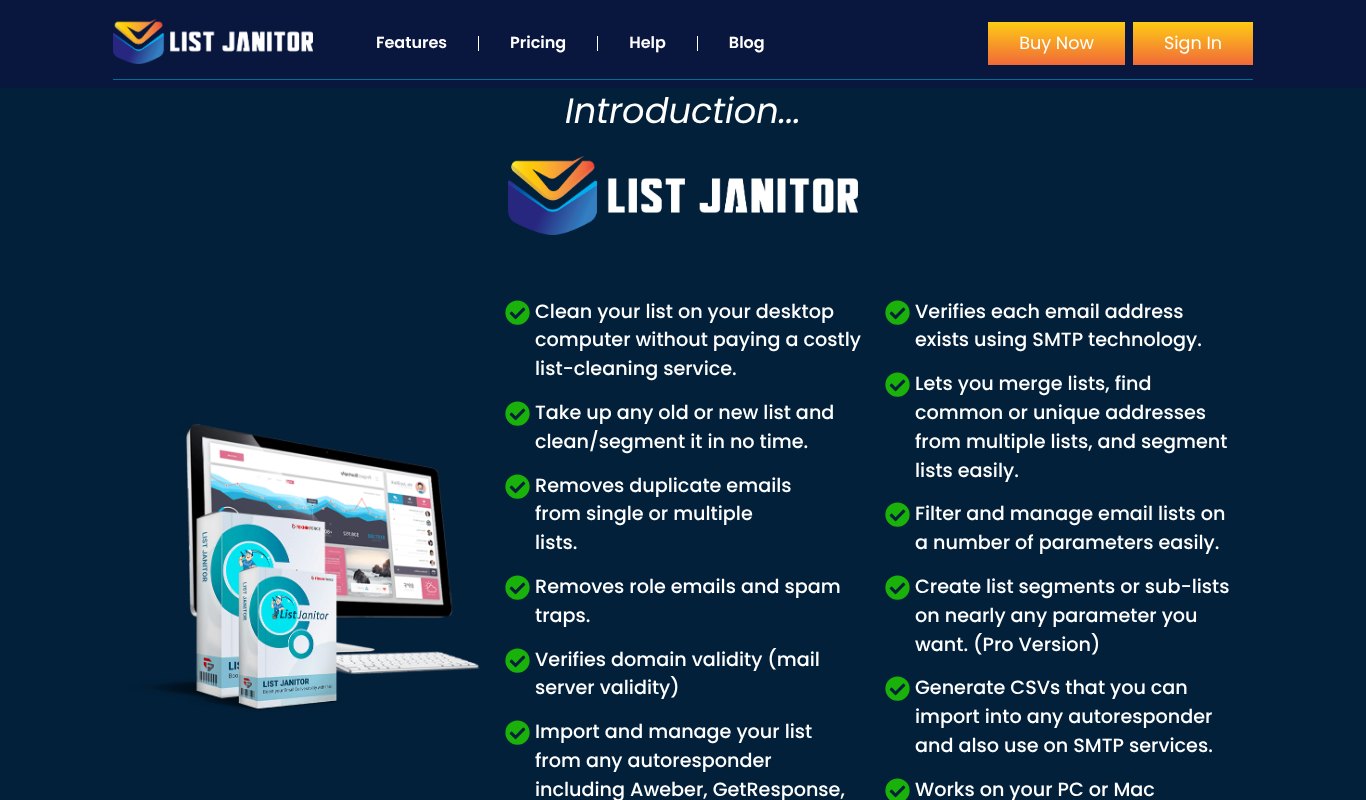
After the scrub, you can merge lists, find common or unique contacts, filter by domain, build segments and export a clean CSV for any autoresponder or SMTP service.
Because it runs on your own computer, your list never sits on someone else's server. And there are no credits, so you can scrub as often as you like.
Pricing Just $9 right now for List Janitor Pro, with unlimited lists and unlimited cleaning. 30 day money-back guarantee.
How Often Should You Scrub Your Email List?
| Your Situation | How Often to Scrub |
|---|---|
| Small list, sending monthly | Every 6 months |
| Active list, sending weekly | Every 3 months |
| Big list or fast growth | Every month |
| Old list you haven't mailed in a while | Before the next send |
| Moving to a new email platform | Before you import |
| Bought, rented or merged list | Right away |
Lists decay a little every month. Industry studies have long put the rate at roughly a fifth of a B2B list each year, as people change jobs. Regular scrubbing keeps that decay from piling up.
Can You Scrub Emails by Hand?
For a tiny list, partly. You can sort a spreadsheet to spot duplicates, scan for obvious typos and delete addresses that bounced last time.
But you can't see by eye whether a mailbox still exists, whether a domain has a working mail server, or whether an old address has become a spam trap. That needs a tool.
Free online checkers usually test a handful of addresses, which is fine for a quick look. For a full list, use a proper scrubbing tool so you catch everything in one pass.
The good news? Once your list is clean, keeping it clean takes very little time.
Email Scrubbing Mistakes to Avoid
Only scrubbing once. A list that's clean today won't be clean in six months.
Deleting every risky address. Catch-all domains include plenty of real people. Segment them instead of throwing them all away.
Ignoring engagement. An address can be valid and still never open your emails. Re-engage those people, then remove the ones who stay silent.
Mailing first, scrubbing later. One send to a dirty list can do damage that takes weeks to repair. Always scrub before the send.
Uploading your list to anyone. Your list is a valuable asset. Know where it goes. A desktop tool keeps it on your own computer.
Keep Your List Clean Between Scrubs
- Use double opt-in so only real people with working inboxes join.
- Add a captcha to stop bot signups.
- Block disposable emails on your signup forms.
- Send a welcome email right away while people still remember signing up.
- Make unsubscribing easy. An unsubscribe is far better than a spam complaint.
- Watch every send. Check bounces and complaints after each campaign.
Frequently Asked Questions
What is email scrubbing?
Email scrubbing is the process of cleaning an email list by removing invalid, duplicate, risky and inactive addresses, so you only mail real people who can receive your emails.
Is email scrubbing the same as email list cleaning?
Yes. Email scrubbing, list cleaning and list hygiene all mean the same thing. Email verification is one step within the process.
Does scrubbing emails send anything to my subscribers?
No. Scrubbing tools check addresses with the mail server directly. Your subscribers never see a thing.
How much does email scrubbing cost?
Online services usually charge per address, from under a cent to a few cents each, so costs rise with every scrub. A desktop tool like List Janitor charges one small price for unlimited scrubbing.
Will email scrubbing remove real subscribers?
A good scrub only removes addresses that are invalid or risky. Real, active subscribers stay on your list.
How long does email scrubbing take?
Most lists of a few thousand addresses take minutes. Very large lists can take longer, depending on your tool and internet connection.
Final Thoughts
Email scrubbing isn't glamorous. But it's one of the easiest ways to get more emails into the inbox, raise your open rates and cut your costs.
Scrub your list now, then make it a habit. Your future campaigns, and your sender reputation, will thank you for it.
If you want to scrub unlimited lists on your own computer, get List Janitor for just $9. And if you'd like to compare tools first, see our guide to the 11 best email list cleaners.